
iPhone screen replacement leaves phone dead: the battery connector fix
A user reports his iPhone stopped turning on after a screen replacement and fixed it by disconnecting and reconnecting the battery connector.
English · Original discussion in Spanish · Published
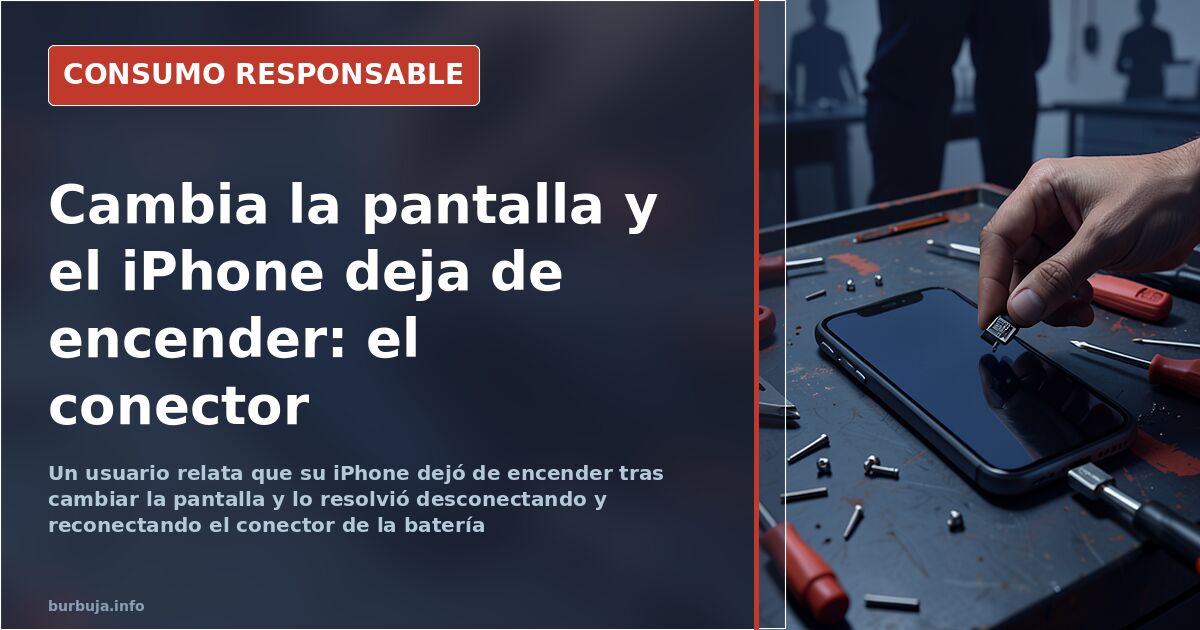
iPhone screen replacement left the phone dead: the battery was the problem
A user reports that an iPhone that worked perfectly —cracked screen included— stopped showing signs of life right after the glass was replaced. No logo, no response to the charger, no classic button restart. According to his account, the solution that worked for him was disconnecting and reconnecting the battery connector. With that, the phone booted up.
Another participant argues that anyone who replaces a screen without fully cutting the power leaves the system in a state that not even a hard reset can wake. In the case described, the button sequence —home and power for ten seconds— did not work; disconnecting the battery connector, however, brought the device back to life. The suggested explanation is that the board retains a residual current that can only be cut physically.
What really breaks when replacing an iPhone screen
The first risk is not the wrong screw, however widespread the warning may be. The LCD flex cables are fragile and one pull too many renders them useless: the new screen becomes unusable and the outlay doubles. The second scenario is worse: damaging a motherboard component while handling the connectors. No restart will save you then.
The logical check before declaring the phone dead is to reinstall the old screen. If it turns on with the cracked one but not with the new one, the problem lies with the replacement part, not the device. One participant shares a case: the screen that arrived from the factory did not work, while the original, though broken, did.
The home button and the fingerprint that stops working
A screen replacement drags along a second, lesser-known problem: the fingerprint sensor stops working. According to the affected user's account, the sensor is linked to the original button, and replacing it with the one that comes with the replacement part breaks that association. The solution he is considering is restoring the phone via iTunes; if that fails, he will have to live without fingerprint unlock.
There is some irony in the detail: the phone works, the screen is flawless, but a security antiestéticature is lost along the way. And the user only finds out when trying to set it up.
Repair or pay: what the professional shortcut costs
Alongside DIY comes the repair shop route. One participant mentions a repair service with prices published on its website that charges 47 euros to replace the full screen of an iPhone 6. It is more expensive than doing it yourself, but considerably cheaper than replacing the entire device.
The comparison matters because the usual miscalculation is a different one: people assume the savings from self-repair outweigh the risk. When the replacement part fails or a flex cable gets damaged, the bill turns around. The full calculation, including the part, tools and possible collateral damage, yields a surprising difference.
The advice that doesn't help: buy another one
The most repeated answer in the first hours was not technical: buy a newer, more expensive model. The affected user had another iPhone that was two weeks old and was replacing the screen to give the old one away in good condition, not to keep using it. The detail dismantles the logic of automatic replacement.
There is one scene that sums it all up: the phone was not powered on during disassembly, the forced restart did not respond and the charger provoked no reaction. Only the battery connector revived it. The practical conclusion is left open: how many iPhones given up for dead are sleeping in a drawer because nobody tried ten seconds of disconnection?
A user reports that an iPhone that worked perfectly —cracked screen included— stopped showing signs of life right after the glass was replaced. No logo, no response to the charger, no classic button restart. According to his account, the solution that worked for him was disconnecting and reconnecting the battery connector. With that, the phone booted up.
Another participant argues that anyone who replaces a screen without fully cutting the power leaves the system in a state that not even a hard reset can wake. In the case described, the button sequence —home and power for ten seconds— did not work; disconnecting the battery connector, however, brought the device back to life. The suggested explanation is that the board retains a residual current that can only be cut physically.
What really breaks when replacing an iPhone screen
The first risk is not the wrong screw, however widespread the warning may be. The LCD flex cables are fragile and one pull too many renders them useless: the new screen becomes unusable and the outlay doubles. The second scenario is worse: damaging a motherboard component while handling the connectors. No restart will save you then.
The logical check before declaring the phone dead is to reinstall the old screen. If it turns on with the cracked one but not with the new one, the problem lies with the replacement part, not the device. One participant shares a case: the screen that arrived from the factory did not work, while the original, though broken, did.
The home button and the fingerprint that stops working
A screen replacement drags along a second, lesser-known problem: the fingerprint sensor stops working. According to the affected user's account, the sensor is linked to the original button, and replacing it with the one that comes with the replacement part breaks that association. The solution he is considering is restoring the phone via iTunes; if that fails, he will have to live without fingerprint unlock.
There is some irony in the detail: the phone works, the screen is flawless, but a security antiestéticature is lost along the way. And the user only finds out when trying to set it up.
Repair or pay: what the professional shortcut costs
Alongside DIY comes the repair shop route. One participant mentions a repair service with prices published on its website that charges 47 euros to replace the full screen of an iPhone 6. It is more expensive than doing it yourself, but considerably cheaper than replacing the entire device.
The comparison matters because the usual miscalculation is a different one: people assume the savings from self-repair outweigh the risk. When the replacement part fails or a flex cable gets damaged, the bill turns around. The full calculation, including the part, tools and possible collateral damage, yields a surprising difference.
The advice that doesn't help: buy another one
The most repeated answer in the first hours was not technical: buy a newer, more expensive model. The affected user had another iPhone that was two weeks old and was replacing the screen to give the old one away in good condition, not to keep using it. The detail dismantles the logic of automatic replacement.
There is one scene that sums it all up: the phone was not powered on during disassembly, the forced restart did not respond and the charger provoked no reaction. Only the battery connector revived it. The practical conclusion is left open: how many iPhones given up for dead are sleeping in a drawer because nobody tried ten seconds of disconnection?
Also available in: Deutsch
Summary of a discussion on Burbuja.info - Foro de economía, actualidad y política., translated from Spanish and reviewed before publication. Read the full discussion (13 replies).
More summaries
-
Finding a free, covered oil change spot in Madrid
Rain in Madrid makes finding a free, covered, unmonitored spot for an oil change difficult. Users discuss garages and DIY options.
-
Charging a broken tablet by wiring 5V straight to the battery: works until it doesn't
Feeding 5V from USB directly into the lithium battery powers the tablet on but doesn't charge it: a 20% overvoltage and a risk of the cell swelling or catching fire.
-
iPhone 12 starts at €809: Price hike sparks backlash
The iPhone 12 mini starts at €809, reaching €1,609 for the Pro Max. Apple raises prices and removes chargers, betting on 5G.
-
El Corte Inglés prepared food: quality at a price
El Corte Inglés croquettes beat Mercadona's, but prices like €21/kg for meat rolls mean it's only worth it for some products.
-
Communal satellite dish: why only some channels come through
A forum user explains that a communal satellite dish only picks up one polarization, so free-to-air channels broadcasting in horizontal are left out. RT Español, Telesur and TV…
-
Air conditioner fan mode: what it really costs to run
An air conditioner's fan mode draws about 30W versus 1,200W with the compressor running, according to a home measurement. Is it worth it compared to a fan?