
Windows 10 End of Support: 250M PCs and Two Key Dates
Microsoft ends Windows 10 support on June 11, 2024, for version 21H2 and October 14, 2025, for the rest. This affects approximately 250 million computers.
English · Original discussion in Spanish · Published
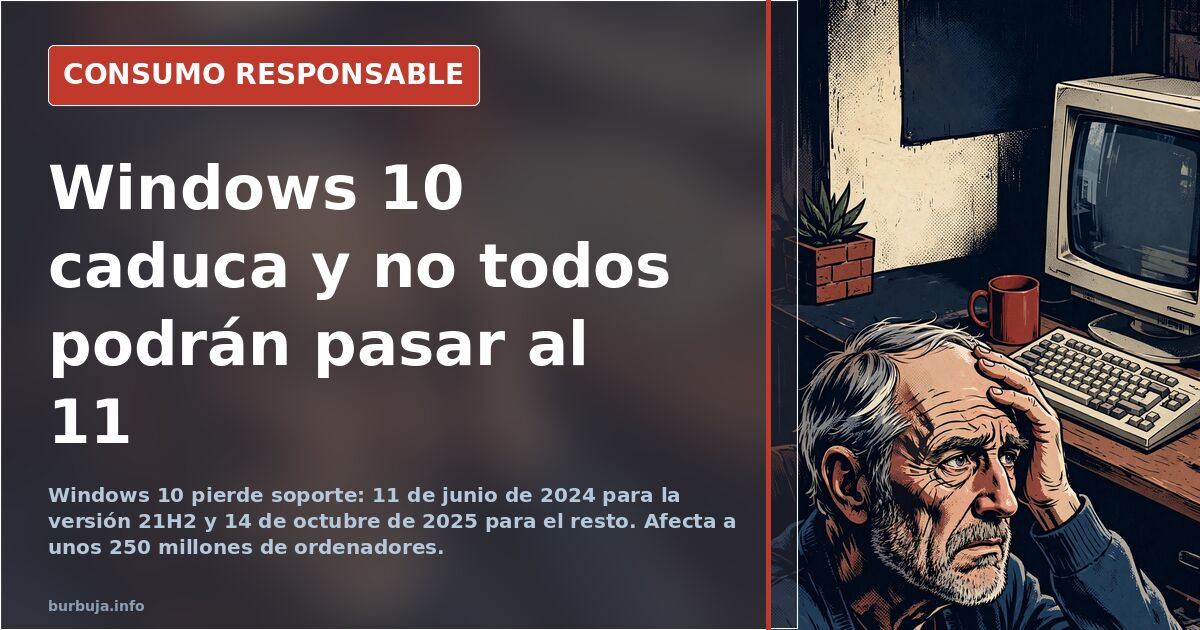
Windows 10 End of Life: Two Deadlines Leave 250 Million PCs Vulnerable
Do you have a computer running Windows 10 with no plans to replace it? The system's security support has an expiration date, and there isn't just one. On June 11, 2024, support ends for Home, Pro, Education, and Enterprise editions of version 21H2. On October 14, 2025, the final security updates arrive for all other versions. This impacts roughly 250 million computers, according to initial reports.
The fine print matters: those already on version 22H2 have until the second deadline, and users who don't upgrade won't face lockouts or performance drops. They simply stop receiving patches. Security, however, becomes compromised.
What Happens If I Don't Upgrade to Windows 11?
Nothing dramatic, which is the problem with the narrative. The device still boots, programs still open, and browsers still load pages. What stops is the flow of vulnerability fixes, which is exactly what keeps attackers at bay.
Most home devices are on 22H2, so the critical date is really October 2025. Confusion between the two deadlines has fueled alarmist headlines and clickbait suggesting an upgrade is mandatory when it isn't.
The Windows 11 Hardware Wall
This is the core issue. Windows 11 requires specific processor minimums that exclude a large portion of the installed base. Machines that work perfectly, some described as robust, fail the compatibility check. Without passing this filter, official installation is impossible.
The result is a fleet of trapped machines: too new to discard, too old for the next OS. Some argue the requirements were poorly designed, leading to slow Windows 11 adoption; others contend that without these specs, the new system's security would be no better than the old one.
Alternative Paths: LTSC, IoT, and 0patch
There are alternatives to buying new hardware. The most cited is the LTSC branch, designed for enterprises, with active support until January 2027. From there, one can switch to the IoT variant, extending security updates until January 2032. Calculating which version expires when and how to migrate without formatting is complex.
Third-party support also exists: companies offer paid Windows 10 patches until 2030, cheaper than official extended support. Technically, they patch running code rather than rewriting system files. It’s a band-aid solution, not a structural fix.
Linux Year Again
Every Windows end-of-cycle revives the prophecy. This time with different data: some claim Linux has surpassed 4% desktop market share and supports about 90% of Steam games. For modest devices unable to run Windows 11, the equation changes.
The most repeated recommendation is an LTS distribution, offering long-term support and no telemetry. The hurdle remains the same: users unwilling to learn new systems and management software that only runs on Windows.
Telemetry Can’t Be Disabled With One Button
It’s worth debunking an expectation. LTSC versions are sold as clean, but warnings suggest telemetry is integrated into the kernel, and serious blocking attempts render the system unusable and offline. Programs promising to disable it allegedly just toggle cosmetic switches.
And a non-trivial warning: skipping updates today has a cost. A participant noted a recent critical remote execution vulnerability affecting both Windows 10 and 11, leaving unpatched systems exposed merely by being connected to the internet.
DIY Options Worth Exploring
There are little-publicized intermediate paths. First: enroll in Extended Security Updates (ESU) by linking a Microsoft account to the device, adding one free year of patches until October 2026. This activates via the update panel, turning the red alert green.
Second: force update checks even with the end-of-support warning on screen. Users report the system continues downloading monthly patches. Third, for those wanting independence: disable the update service and freeze the device on a working version. This is the route taken by those who haven’t updated in a decade yet boot every morning.
Ultimately, the decision is financial, not technical: pay for new hardware, pay for patches, or pay nothing and hope for the best. Very 21st century.
Do you have a computer running Windows 10 with no plans to replace it? The system's security support has an expiration date, and there isn't just one. On June 11, 2024, support ends for Home, Pro, Education, and Enterprise editions of version 21H2. On October 14, 2025, the final security updates arrive for all other versions. This impacts roughly 250 million computers, according to initial reports.
The fine print matters: those already on version 22H2 have until the second deadline, and users who don't upgrade won't face lockouts or performance drops. They simply stop receiving patches. Security, however, becomes compromised.
What Happens If I Don't Upgrade to Windows 11?
Nothing dramatic, which is the problem with the narrative. The device still boots, programs still open, and browsers still load pages. What stops is the flow of vulnerability fixes, which is exactly what keeps attackers at bay.
Most home devices are on 22H2, so the critical date is really October 2025. Confusion between the two deadlines has fueled alarmist headlines and clickbait suggesting an upgrade is mandatory when it isn't.
The Windows 11 Hardware Wall
This is the core issue. Windows 11 requires specific processor minimums that exclude a large portion of the installed base. Machines that work perfectly, some described as robust, fail the compatibility check. Without passing this filter, official installation is impossible.
The result is a fleet of trapped machines: too new to discard, too old for the next OS. Some argue the requirements were poorly designed, leading to slow Windows 11 adoption; others contend that without these specs, the new system's security would be no better than the old one.
Alternative Paths: LTSC, IoT, and 0patch
There are alternatives to buying new hardware. The most cited is the LTSC branch, designed for enterprises, with active support until January 2027. From there, one can switch to the IoT variant, extending security updates until January 2032. Calculating which version expires when and how to migrate without formatting is complex.
Third-party support also exists: companies offer paid Windows 10 patches until 2030, cheaper than official extended support. Technically, they patch running code rather than rewriting system files. It’s a band-aid solution, not a structural fix.
Linux Year Again
Every Windows end-of-cycle revives the prophecy. This time with different data: some claim Linux has surpassed 4% desktop market share and supports about 90% of Steam games. For modest devices unable to run Windows 11, the equation changes.
The most repeated recommendation is an LTS distribution, offering long-term support and no telemetry. The hurdle remains the same: users unwilling to learn new systems and management software that only runs on Windows.
Telemetry Can’t Be Disabled With One Button
It’s worth debunking an expectation. LTSC versions are sold as clean, but warnings suggest telemetry is integrated into the kernel, and serious blocking attempts render the system unusable and offline. Programs promising to disable it allegedly just toggle cosmetic switches.
And a non-trivial warning: skipping updates today has a cost. A participant noted a recent critical remote execution vulnerability affecting both Windows 10 and 11, leaving unpatched systems exposed merely by being connected to the internet.
DIY Options Worth Exploring
There are little-publicized intermediate paths. First: enroll in Extended Security Updates (ESU) by linking a Microsoft account to the device, adding one free year of patches until October 2026. This activates via the update panel, turning the red alert green.
Second: force update checks even with the end-of-support warning on screen. Users report the system continues downloading monthly patches. Third, for those wanting independence: disable the update service and freeze the device on a working version. This is the route taken by those who haven’t updated in a decade yet boot every morning.
Ultimately, the decision is financial, not technical: pay for new hardware, pay for patches, or pay nothing and hope for the best. Very 21st century.
Also available in: Deutsch
Summary of a discussion on Burbuja.info - Foro de economía, actualidad y política., translated from Spanish and reviewed before publication. Read the full discussion (122 replies).
More summaries
-
Carlos and Fernando Paz: Where to Listen to the Brothers
Carlos and Fernando Paz share a voice but no single show. Find their podcasts on YouTube, iVoox, and radio stations.
-
Toxic Foods: The Truth Behind Harmful Product Lists
Monosodium glutamate, sunflower oil, and erythritol top growing lists of toxic foods. Here is the data behind these warnings.
-
1,305 m² Teruel property for €60k plus €300k renovation
A 1,305 m² village house in Torrecilla del Rebollar costs €60,000. Estimated renovation is €300,000 as the town loses residents.
-
30% of Brits Wash Bed Sheets Just Once a Year
A survey of 2,000 Britons reveals that 30% wash their sheets annually and 18% clean jeans every twelve months.
-
Additive-free eating in Spain: gardens fall short, labels mislead
Eating without additives is costly and slow. Home gardens cover only four months, while chicken croquettes contain just 0.1% chicken.
-
Spain's Christmas divides tables over turrón and dinner
Spanish holiday traditions split between industrial chocolate nougat and traditional savory dinners, sparking debate.