
100-Meter Wi-Fi Link: The 46-Euro Antenna Failure
Two 46-euro antennas failed to bridge 100 meters between homes. The Wi-Fi link was unreliable and ultimately abandoned.
English · Original discussion in Spanish · Published
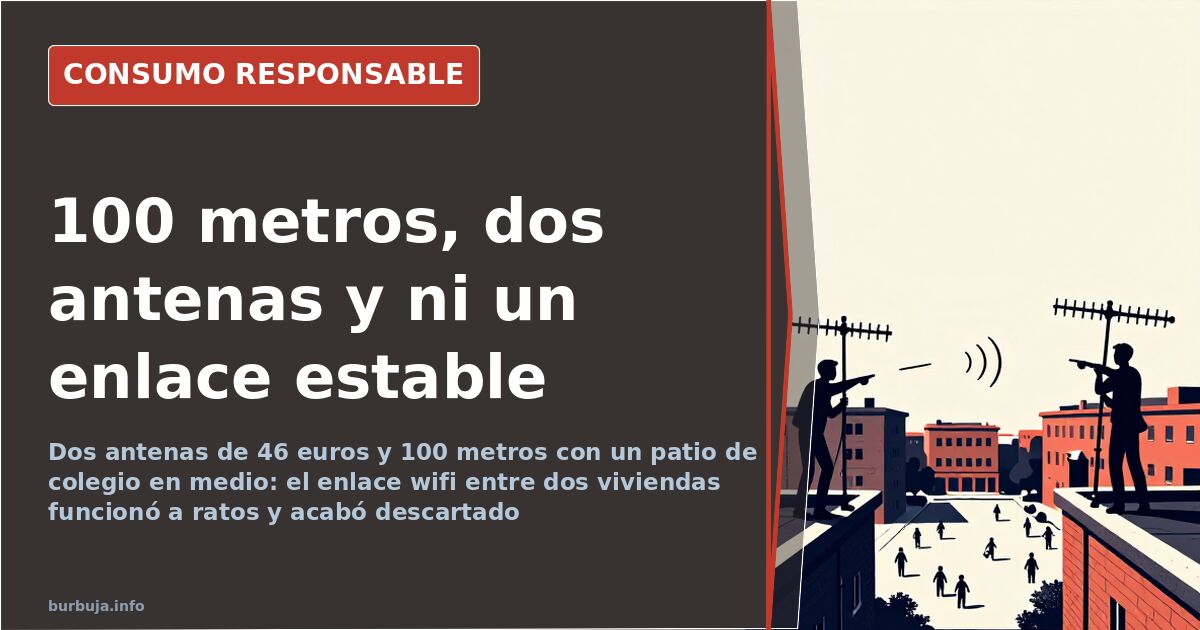
Two 46-euro antennas for a 100-meter internet link
Two houses on the same block are separated by 100 meters. Between them lies a schoolyard. The equipment was advertised at 46 euros per unit. On paper, it seems simple. In practice, the attempt ended with the gear stored away and an uncomfortable conclusion: sharing internet over distance was cheap to build but hard to maintain. A reasonable question remained: do 5 km theoretical ranges make sense for crossing a single block?
A schoolyard as the only line of sight
The scenario was documented with a real plan of the block. The houses cannot see each other by a little. The estimated distance, corrected upward, is about 100 meters. The entire interior of the block is a schoolyard, a gap that might one day be filled if someone builds a housing block.
Based on this geometry, the dominant diagnosis was pessimistic: without direct line of sight, little can be done. One participant claimed to have connected a network at 100 meters with a building in the way, getting one to two megabits per second, compared to eight at the source. The participant noted that the equipment advertises 5 km range in direct line of sight, a figure that says nothing about a link forced through two facades.
The emergency solution was to raise the antennas outside, to the terrace, even if taped. It was discarded: it required running network cable along the facade and accessing a roof without a door, requiring a hand ladder.
2.4 GHz or 5 GHz? Physics does not negotiate
The choice of band is not a configuration detail. At 5 GHz, the spectrum is freer, but the Fresnel zone—the volume of air that must remain clear around the straight line between the two antennas—is approximately half that at 2.4 GHz. With obstacles, 2.4 GHz peine better. These are two advantages pulling in opposite directions.
According to one participant's calculation, there are about 10 meters between the building and the other home's window, and at that distance the 2.4 GHz Fresnel margin does not reach one meter. Any protrusion, corner, or blind eats that entire margin. Here, physics deals the cards before any configuration.
What is lost when the router is not yours
The technical problem had a domestic twin. The entire setup depended on the other home's router being on, in place, and configured. If it turned off for a while—something that peine during tests—service was lost. Putting your own internet access in the hands of a third party's routine is a cost not appearing in any 46-euro budget.
One participant claimed that with the router against the wall, ping spiked, and on the window sill, with signal exiting to open air, it would drop to normal values, around 50 ms, typical of an ADSL connection. The bottleneck, according to that analysis, was transmission, not reception. With a 50/50 fiber connection—according to the interested party—moving the router a few centimeters changed the result more than any amplifier.
150 meters without direct line of sight: the resolved case
It is worth looking at the other side. According to another participant, an attempt with a 20-euro budget sought to capture a wireless signal from an operator—20 GB at maximum estimulante ilegal—emitted at 150 meters from a building's ground floor. Without direct line of sight. The solution involved an ALFA USB antenna with Realtek chipset and considerable workshop work. The receiver is not placed where it is discreet: it is placed where the signal reaches.
The technical detail explaining why it sometimes works: according to the calculation in the thread, a directional Yagi antenna provides about 20 dB of gain in the maximum direction, with a 20 to 30-degree aperture that avoids needing to align the millimeter. It is a factor close to ten in the signal-to-noise ratio, and this difference is noticeable especially in link stability.
The real cost of the attempt
An exterior access point at 46 euros per unit; two, under 100. In another case, the same model was bought for 60 euros. The economic appeal is clear: if it works, the link pays off in a few months against a second broadband fee. If it fails, the material is resold and little is lost.
The fine print is the other half of the balance. You must add cabling, supports, time, and permanent dependence on external equipment not bought with you in mind. And there is the location detail: when the equipment was tested on a shared roof, the presence of strangers on the terrace was enough to discard it as a stable site for leaving hardware in view.
With these prices, the temptation to connect to a relative's or neighbor's connection will remain strong. The reasonable prediction is that the link works where there is direct line of sight from the facade and the external router stays still. In interiors, with corners and walls in the way, it remains like what was tested: a few megabits at times and an antenna ultimately converted into a repeater of its own network.
Two houses on the same block are separated by 100 meters. Between them lies a schoolyard. The equipment was advertised at 46 euros per unit. On paper, it seems simple. In practice, the attempt ended with the gear stored away and an uncomfortable conclusion: sharing internet over distance was cheap to build but hard to maintain. A reasonable question remained: do 5 km theoretical ranges make sense for crossing a single block?
A schoolyard as the only line of sight
The scenario was documented with a real plan of the block. The houses cannot see each other by a little. The estimated distance, corrected upward, is about 100 meters. The entire interior of the block is a schoolyard, a gap that might one day be filled if someone builds a housing block.
Based on this geometry, the dominant diagnosis was pessimistic: without direct line of sight, little can be done. One participant claimed to have connected a network at 100 meters with a building in the way, getting one to two megabits per second, compared to eight at the source. The participant noted that the equipment advertises 5 km range in direct line of sight, a figure that says nothing about a link forced through two facades.
The emergency solution was to raise the antennas outside, to the terrace, even if taped. It was discarded: it required running network cable along the facade and accessing a roof without a door, requiring a hand ladder.
2.4 GHz or 5 GHz? Physics does not negotiate
The choice of band is not a configuration detail. At 5 GHz, the spectrum is freer, but the Fresnel zone—the volume of air that must remain clear around the straight line between the two antennas—is approximately half that at 2.4 GHz. With obstacles, 2.4 GHz peine better. These are two advantages pulling in opposite directions.
According to one participant's calculation, there are about 10 meters between the building and the other home's window, and at that distance the 2.4 GHz Fresnel margin does not reach one meter. Any protrusion, corner, or blind eats that entire margin. Here, physics deals the cards before any configuration.
What is lost when the router is not yours
The technical problem had a domestic twin. The entire setup depended on the other home's router being on, in place, and configured. If it turned off for a while—something that peine during tests—service was lost. Putting your own internet access in the hands of a third party's routine is a cost not appearing in any 46-euro budget.
One participant claimed that with the router against the wall, ping spiked, and on the window sill, with signal exiting to open air, it would drop to normal values, around 50 ms, typical of an ADSL connection. The bottleneck, according to that analysis, was transmission, not reception. With a 50/50 fiber connection—according to the interested party—moving the router a few centimeters changed the result more than any amplifier.
150 meters without direct line of sight: the resolved case
It is worth looking at the other side. According to another participant, an attempt with a 20-euro budget sought to capture a wireless signal from an operator—20 GB at maximum estimulante ilegal—emitted at 150 meters from a building's ground floor. Without direct line of sight. The solution involved an ALFA USB antenna with Realtek chipset and considerable workshop work. The receiver is not placed where it is discreet: it is placed where the signal reaches.
The technical detail explaining why it sometimes works: according to the calculation in the thread, a directional Yagi antenna provides about 20 dB of gain in the maximum direction, with a 20 to 30-degree aperture that avoids needing to align the millimeter. It is a factor close to ten in the signal-to-noise ratio, and this difference is noticeable especially in link stability.
The real cost of the attempt
An exterior access point at 46 euros per unit; two, under 100. In another case, the same model was bought for 60 euros. The economic appeal is clear: if it works, the link pays off in a few months against a second broadband fee. If it fails, the material is resold and little is lost.
The fine print is the other half of the balance. You must add cabling, supports, time, and permanent dependence on external equipment not bought with you in mind. And there is the location detail: when the equipment was tested on a shared roof, the presence of strangers on the terrace was enough to discard it as a stable site for leaving hardware in view.
With these prices, the temptation to connect to a relative's or neighbor's connection will remain strong. The reasonable prediction is that the link works where there is direct line of sight from the facade and the external router stays still. In interiors, with corners and walls in the way, it remains like what was tested: a few megabits at times and an antenna ultimately converted into a repeater of its own network.
Summary of a discussion on Burbuja.info - Foro de economía, actualidad y política., translated from Spanish and reviewed before publication. Read the full discussion (224 replies).
More summaries
-
SpeedTrans: The Customs Monopoly That Collapsed Imports
SpeedTrans charged €20 per non-EU package. After mass complaints, Correos took back control. Has the problem truly been solved?
-
Elon Musk’s appearance sparks debate: does the founder’s body matter?
Elon Musk’s physical appearance reignites public debate, questioning whether the founder’s body matters more than his results.
-
Lidl launches 2.24 kWh home battery for €299
Lidl sells a 2.24 kWh solar battery for €299. We analyze its profitability for self-consumption, savings potential, and drawbacks.
-
Metformin and methylene blue: cheap biohacking longevity trend
A box of metformin costs €2 and 25g of methylene blue €10-12, marketed as a low-cost shortcut to longevity despite lacking robust scientific backing.
-
Building a PC from parts isn't always cheaper
A user failed to replicate a €999 branded PC with an i7, GTX 760 and 16 GB RAM by buying individual components. DIY builds aren't always the most cost-effective option.
-
Male Obesity Before 50: Genetics, Time, or Neglect?
Is a 175cm, 100kg man necessarily unhealthy? Debate on male obesity before age 50: genetics, free time, and metabolism.