
Kodi for watching movies: the setup that drives half of Spain away
Kodi plays movies from USB without a hitch, but setting up artwork, add-ons and debrid takes hours. Most people give up before finishing.
English · Original discussion in Spanish · Published
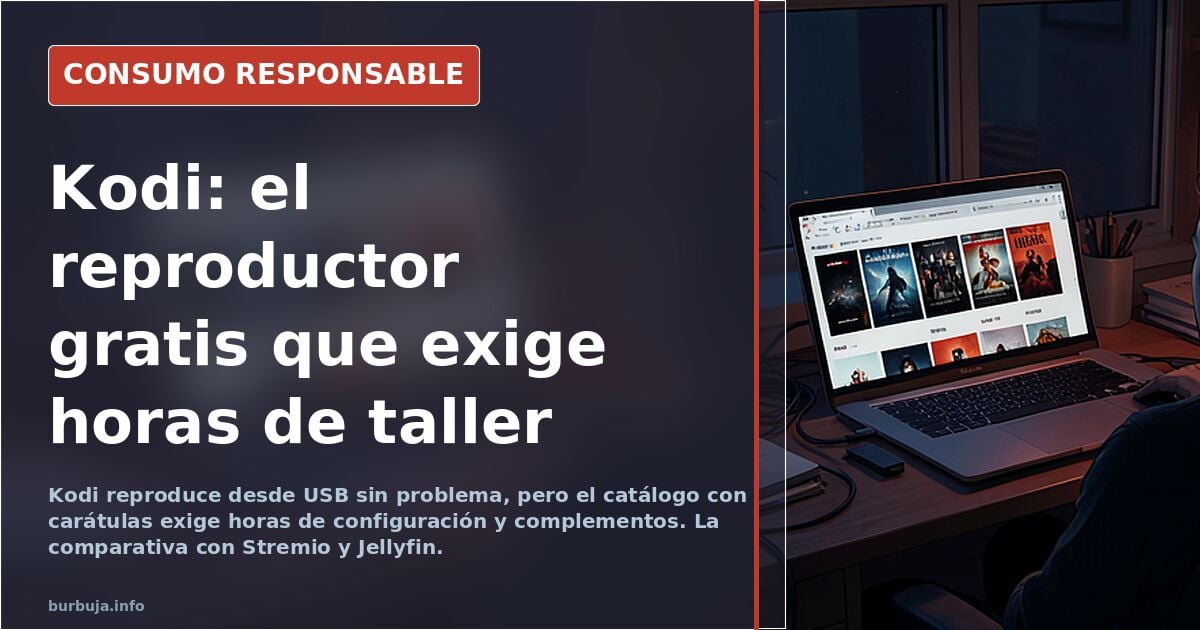
Kodi works, but setting it up takes more than a Sunday afternoon
Kodi plays movies from a USB drive without blinking and, properly set up, it eats any streaming platform for breakfast. The problem isn't the player: it's everything you have to build around it. Installing add-ons, hooking up download services and wrestling with menus that seem designed by a resentful engineer. The barrier to entry is real, and most people who try it never come back.
The pattern repeats with almost comic insistence. People who once installed Slackware or OS/2 — that is, who aren't afraid of a terminal — abandon Kodi in under an hour. The diagnosis is always the same: the setup is an absolute mess, to put it in words that sum up the general feeling. It's not a lack of technical skill. It's that the payoff doesn't justify the toll.
What it takes for Kodi to show artwork and synopses
The bare player organizes files and opens them. That's it. For movies to appear with their artwork, synopsis and metadata, you have to spend a good few hours customizing, installing add-ons and fighting with scrapers. Anyone who just wants to hit play and watch something decent on a Friday night has far less painful alternatives.
That's where the third-party ecosystem comes in. Palantir-type add-ons expand the catalog, but they carry a dependency rarely mentioned in the enthusiastic guides: you need an account with a paid debrid service. Without that, the whole castle crumbles. The detail is buried in the fine print and explains a good share of the disappointments.
Stremio, Jellyfin and eMule: the real map of alternatives
Against Kodi's brick wall, Stremio presents itself as the fast lane. Install it, add Torrentio and off you go. The price of that convenience is a noticeably shorter catalog: roughly ten times less content than the Kodi-plus-Palantir combination, according to the estimates circulating out there. Less friction, less depth.
For those who already have their own downloaded library, Jellyfin — the free equivalent of Plex — gets the job done with less sweat: metadata comes out of the box, no add-ons or hassle. And then there's the option that never dies. eMule is still downloading movies in a matter of minutes, with the added bonus that by sharing fragments you don't just consume: you also give something back to the network.
The underlying question hangs over all of this. Is it worth learning to tame Kodi when shortcuts exist? For those who enjoy tinkering, yes. For everyone else, the answer looks suspiciously like a no.
Kodi plays movies from a USB drive without blinking and, properly set up, it eats any streaming platform for breakfast. The problem isn't the player: it's everything you have to build around it. Installing add-ons, hooking up download services and wrestling with menus that seem designed by a resentful engineer. The barrier to entry is real, and most people who try it never come back.
The pattern repeats with almost comic insistence. People who once installed Slackware or OS/2 — that is, who aren't afraid of a terminal — abandon Kodi in under an hour. The diagnosis is always the same: the setup is an absolute mess, to put it in words that sum up the general feeling. It's not a lack of technical skill. It's that the payoff doesn't justify the toll.
What it takes for Kodi to show artwork and synopses
The bare player organizes files and opens them. That's it. For movies to appear with their artwork, synopsis and metadata, you have to spend a good few hours customizing, installing add-ons and fighting with scrapers. Anyone who just wants to hit play and watch something decent on a Friday night has far less painful alternatives.
That's where the third-party ecosystem comes in. Palantir-type add-ons expand the catalog, but they carry a dependency rarely mentioned in the enthusiastic guides: you need an account with a paid debrid service. Without that, the whole castle crumbles. The detail is buried in the fine print and explains a good share of the disappointments.
Stremio, Jellyfin and eMule: the real map of alternatives
Against Kodi's brick wall, Stremio presents itself as the fast lane. Install it, add Torrentio and off you go. The price of that convenience is a noticeably shorter catalog: roughly ten times less content than the Kodi-plus-Palantir combination, according to the estimates circulating out there. Less friction, less depth.
For those who already have their own downloaded library, Jellyfin — the free equivalent of Plex — gets the job done with less sweat: metadata comes out of the box, no add-ons or hassle. And then there's the option that never dies. eMule is still downloading movies in a matter of minutes, with the added bonus that by sharing fragments you don't just consume: you also give something back to the network.
The underlying question hangs over all of this. Is it worth learning to tame Kodi when shortcuts exist? For those who enjoy tinkering, yes. For everyone else, the answer looks suspiciously like a no.
Also available in: Deutsch
Summary of a discussion on Burbuja.info - Foro de economía, actualidad y política., translated from Spanish and reviewed before publication. Read the full discussion (50 replies).
More summaries
-
eMule beats torrent for free movie downloads in Spain
With fiber internet, eMule outperforms torrents for downloading movies as portals close and cheap VPNs gain popularity.
-
eMule, torrent, IPTV: the menu to watch series without paying fees
BitTorrent, eMule, Kodi, IPTV or shared accounts: the alternatives to streaming platforms that are spreading among those who refuse to pay fees.
-
Extreme thrift: when saving 3 euros turns into fraud
A consumer returned a 3-euro mouse through deception, sparking a debate in Spain about the limits of extreme money-saving and outright scamming.
-
Ornamental gardening in Spain now outshines the vegetable patch
Ornamental growing is gaining ground on vegetable gardening in Spain: seeds from specialist sellers, raised planter tables from 100 euros, and home remedies against aphids.
-
Garage or car park: the difference that decides who answers for your car
Garage and car park are not synonyms: renting a space does not oblige the owner to look after your car the way Spain's Ley 40/2002 requires of a public car park.
-
Hats are back: the artificial light that hurt eyes in 1870
Photophobia forces one shopper to buy only between 7:30 and 8:30 pm and go out with an eye patch, glasses and a hat. The artificial light that already changed hats in 1870.